Open edX® Extensions

XBlock Content Restrictions

Provides fine-grained control over access to course components based on dates, user groups, enrollment tracks, or custom conditions. It helps create gated learning experiences and structured content release strategies.

Extension Type

XBlock

Functional Area

Security & Access Control

Target Users

Platform Admins

Status

Production-ready

Other Extensions

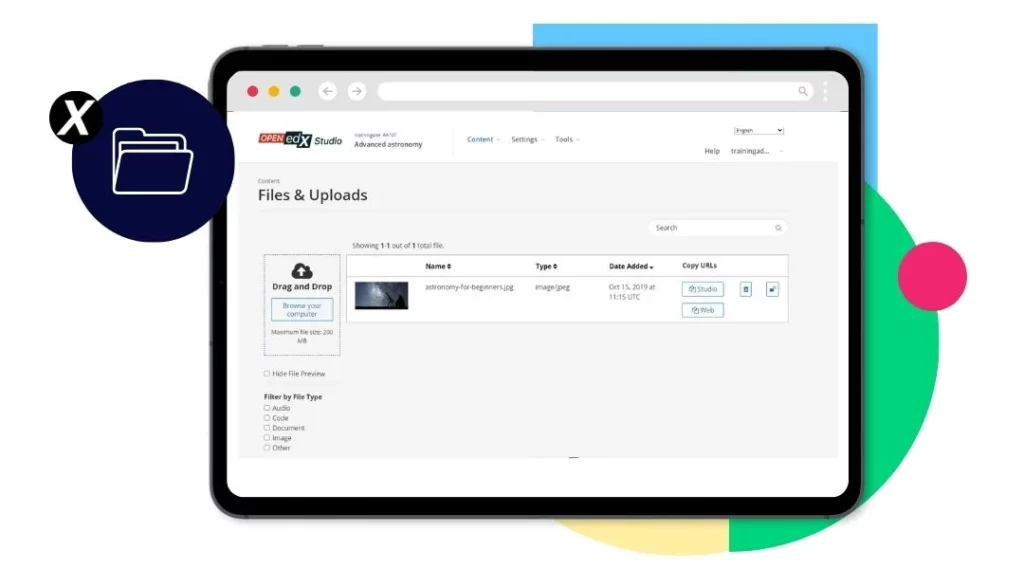
XBlock Files Manager

Allows course teams to upload, organize, and manage course files directly within the Open edX interface. It simplifies content administration by centralizing file storage, reducing dependency on external tools, and giving instructors better control over course assets.


Get Plugin →

XBlock Controlled Navigation

Forces learners to follow a predefined learning sequence, preventing them from skipping ahead. This ensures pedagogical consistency and supports instructional designs that require step-by-step progression.

Get Plugin →

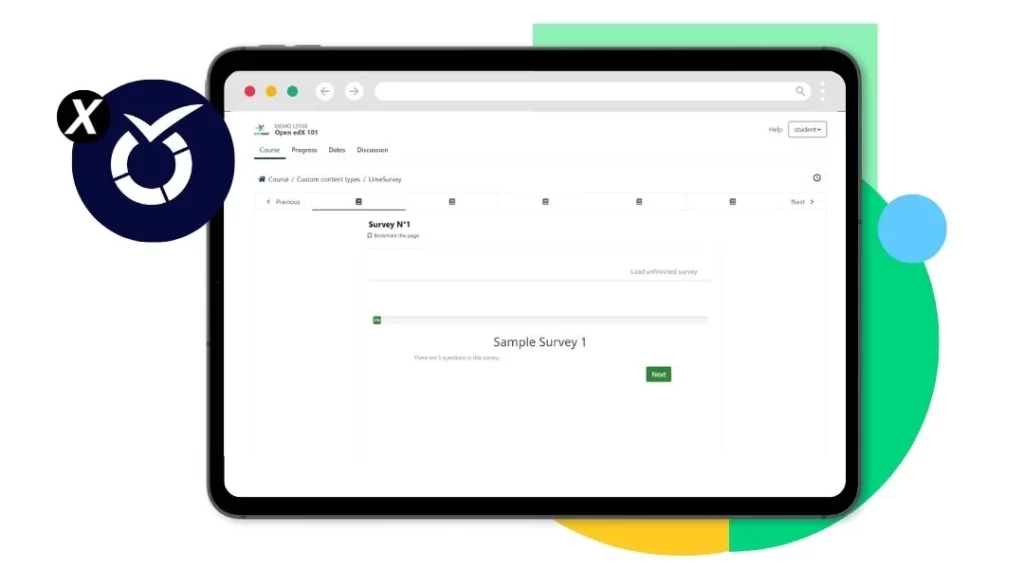
XBlock LimeSurvey

Forces learners to follow a predefined learning sequence, preventing them from skipping ahead. This ensures pedagogical consistency and supports instructional designs that require step-by-step progression.

Get Plugin →

EOX Hooks

Extends Open edX functionality through API-based hooks that allow modular integrations and feature extensions. It enables advanced customization without altering core platform code.

Get Plugin →

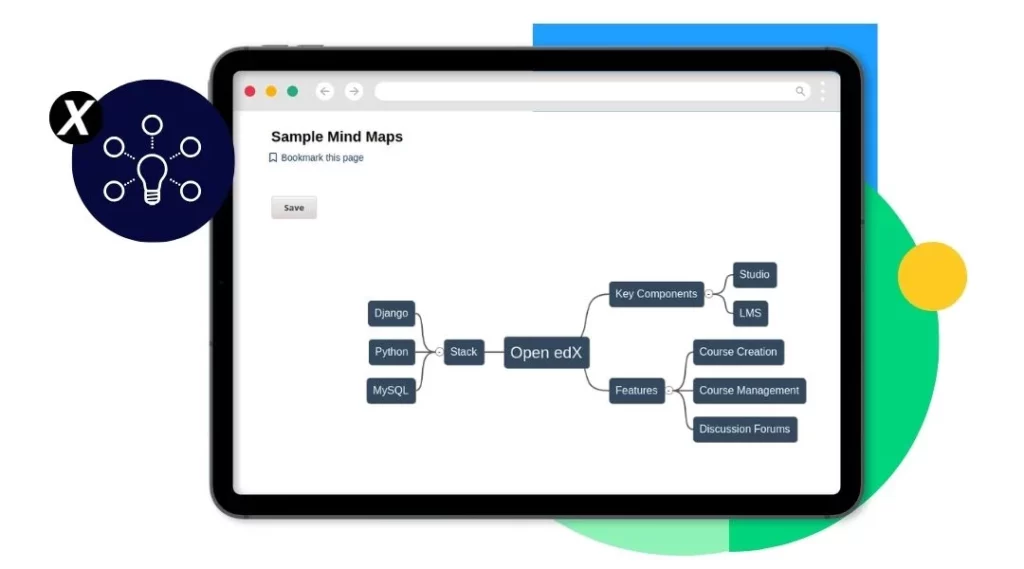
XBlock Mind Maps

Adds interactive mind maps to course content, helping learners visualize complex topics and relationships between concepts. It enhances comprehension through structured and visual learning elements.

Get Plugin →

XBlock Discussion Grading

Enables instructors to grade learner participation in discussion forums. It supports structured evaluation of engagement, encouraging meaningful contributions while integrating seamlessly with the course grading system.

Get Plugin →

edunext ebook open edx